


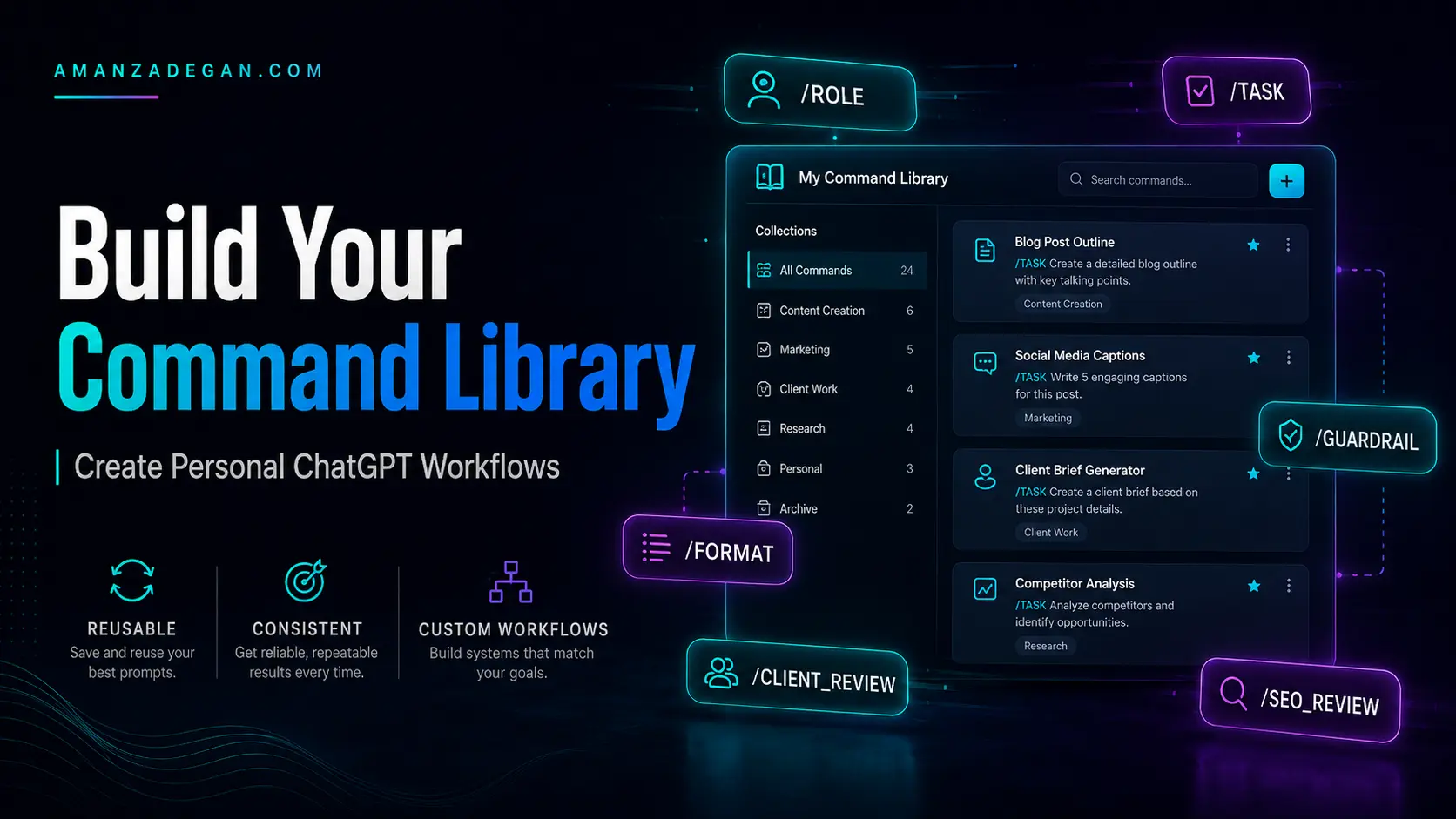

A personal ChatGPT command library is a reusable set of prompt operators designed around your own work. Instead of starting from zero every time, you define commands for recurring tasks: SEO review, code review, academic critique, client communication, business decisions, content planning, or technical troubleshooting.
This article explains how to design, test, organize, and improve your own ChatGPT command library so that it becomes a practical workflow system rather than a random list of shortcuts.
Table of Contents
Quick Summary
A good custom command should define four things: what role ChatGPT should take, what task it should perform, what criteria it should use, and what format it should return. A weak command is vague. A strong command acts like a reusable specification.
| Weak Command | Why It Fails | Better Command |
|---|---|---|
| /BETTER | Too vague; no criteria | /EVAL-SELF Review for clarity, missing evidence, weak structure, and actionability. |
| /SEO | Too broad | /SEO_REVIEW Check intent, headings, internal links, trust, CTA, and risky claims. |
| /CODE | No quality standard | /PROD_CODE_REVIEW Review correctness, edge cases, performance, tests, and maintainability. |
| No audience or tone | /PRO_MESSAGE Rewrite for a professional audience, firm but respectful. |
What a Personal Command Library Is
A command library is a set of reusable prompts that you can paste into ChatGPT or save in your workflow documents. It helps you standardize how you ask for recurring work.
For example, if you frequently review WordPress pages, you can define /SEO_CONVERSION_REVIEW. If you often review code, define /PROD_CODE_REVIEW. If you write client messages, define /CLIENT_SAFE_MESSAGE.
/SEO_CONVERSION_REVIEW means:
Review the page for search intent, keyword coverage, heading hierarchy, internal links, trust signals, CTA clarity, conversion friction, compliance-sensitive claims, and missing user questions. Return issues in a table with severity and suggested fixes.
Why Custom Commands Work
Custom commands work because they are clear instructions. ChatGPT does not need the slash command to be official. It needs the command meaning to be understandable and consistent. The more precise your command definition, the better the output.
A strong command reduces ambiguity. It tells ChatGPT what to optimize for and what to avoid. This matters when the task has a real cost: public content, client work, software architecture, academic writing, HR communication, or business decisions.
Command Design Principles
1. Define the Role
The role tells ChatGPT what lens to use. “Act as a senior SEO strategist” produces a different answer than “act as a friendly writing assistant.”
2. Define the Task
The task tells ChatGPT what to do. Do not say “improve this.” Say “review this page for search intent, structure, trust, and conversion.”
3. Define the Criteria
Criteria are the quality standard. For code, criteria may include correctness, performance, tests, maintainability, and security. For SEO, criteria may include search intent, topical coverage, internal links, and CTA clarity.
4. Define the Output Format
A command is much more reliable when it tells ChatGPT how to return the answer: table, checklist, email, JSON, outline, rewrite, audit, or final copy-ready text.
5. Add Guardrails
Guardrails prevent unwanted behavior. They can say: do not invent statistics, do not make legal claims, do not over-explain, do not sound aggressive, do not mix project contexts, or do not give tutorial-level advice.
Core Command Categories
| Category | Example Commands | Use |
|---|---|---|
| Writing | /REWRITE AS, /TONE, /AUDIENCE | Emails, blog posts, landing pages |
| Technical | /DEV MODE, /debug, /PROD_CODE_REVIEW | Code and architecture |
| SEO | /SEO_REVIEW, /CONTENT_BRIEF, /SERP_INTENT | Content strategy and audits |
| Decision quality | /REDTEAM, /SECONDORDER, /REGRET | Strategic decisions |
| Quality control | /EVAL-SELF, /PITFALLS, /GUARDRAIL | Reducing weak output |
| Communication | /PRO_MESSAGE, /CLIENT_REPLY, /HR_MESSAGE | Professional wording |
How to Define a Custom Command
Use this structure:
/COMMAND_NAME means:
Role: [Who ChatGPT should act as]
Task: [What ChatGPT should do]
Criteria: [What quality dimensions matter]
Format: [How the answer should be returned]
Guardrails: [What to avoid]
Final Output: [What the deliverable should look like]
Example: SEO Review Command
/SEO_REVIEW means:
Role: Senior SEO strategist and conversion copywriter.
Task: Review a page or article before publication.
Criteria: Search intent, keyword coverage, heading hierarchy, internal links, trust signals, CTA clarity, content depth, schema, and compliance-sensitive claims.
Format: Return an audit table, missing sections, fixes, and final recommendation.
Guardrails: Do not keyword-stuff, do not invent statistics, and do not make unsupported legal or financial claims.
Example: Production Code Review Command
/PROD_CODE_REVIEW means:
Role: Senior software engineer and future maintainer.
Task: Review code or architecture for production readiness.
Criteria: Correctness, edge cases, performance, maintainability, readability, security, tests, deployment risk, and refactor cost.
Format: Return critical issues, medium issues, minor improvements, suggested refactor, and final readiness score.
Guardrails: Do not give tutorial-level advice. Focus on production risk.
Example: Professional Message Command
/PRO_MESSAGE means:
Role: Senior communication advisor.
Task: Rewrite a message for HR, client, manager, professor, bank, or teammate.
Criteria: Clarity, credibility, firmness, respect, relationship preservation, and reputation safety.
Format: Return one concise version and one warmer version.
Guardrails: Do not sound weak, desperate, aggressive, emotional, or overly apologetic.
Example Command Library
| Command | Definition Summary | Best Use |
|---|---|---|
| /NO_AUTOPILOT_REVIEW | Reject generic answers; find the real objective, risk, and quality bar | Complex work |
| /SEO_CONVERSION_REVIEW | Audit SEO, UX, trust, internal links, and CTA friction | Website pages |
| /PROD_CODE_REVIEW | Review code for production readiness | Engineering |
| /THESIS_REVIEW | Check evidence, overclaiming, citations, and argument flow | Academic writing |
| /CLIENT_SAFE_MESSAGE | Rewrite messages with credibility and relationship safety | Client communication |
| /DECISION_MATRIX | Compare options with criteria and recommendation | Business decisions |
| /LAUNCH_CHECK | Create launch checklist with pitfalls and rollback plan | Website or product launch |
Testing and Improving Commands
A command library should evolve. After using a command, ask whether the output was specific, useful, accurate, and easy to act on. If the answer was generic, the command needs better criteria. If it was too long, the command needs a format limit. If it made unsupported claims, add guardrails.
| Problem | Likely Cause | Fix |
|---|---|---|
| Output is generic | Command lacks criteria | Add quality dimensions and examples |
| Output is too long | No format constraint | Specify table, checklist, or max sections |
| Output is too cautious | Too many risk commands | Ask for final recommendation |
| Output invents facts | No evidence guardrail | Add “separate confirmed facts from assumptions” |
| Output mixes contexts | No context guardrail | Add “do not import unrelated project context” |
How to Store Your Library
You can store your command library in a note-taking app, project management tool, documentation page, browser snippet manager, or custom instructions. For team workflows, keep commands in a shared document and define when each command should be used.
- Create a master command list.
- Group commands by workflow.
- Add examples for each command.
- Include guardrails for sensitive work.
- Review and update commands monthly.
- Remove commands that produce weak or repetitive outputs.
FAQ
Do I need official slash commands to build a command library?
No. Most custom commands are user-defined prompt operators. They work because they are clear instructions.
How many commands should I have?
Start with 8 to 12 high-value commands. Too many commands become hard to remember and maintain.
Should I save commands in memory?
You can, but keep important workflow definitions in a document too. Memory availability and behavior may depend on settings and account type.
What makes a command professional?
A professional command defines role, task, criteria, format, and guardrails. It produces a usable output, not just a different tone.
Final Takeaway
A personal ChatGPT command library turns repeated prompting into a repeatable workflow. The goal is not to collect clever command names. The goal is to define reliable ways of asking for high-quality outputs. Start with the work you repeat most often, define the criteria that matter, add guardrails, and keep improving the commands based on real results.
A 30-Day Plan to Build Your Command Library
You do not need to design a perfect command library in one sitting. A better approach is to build it from real work. Start with the prompts you repeat most often, then refine them based on output quality.
| Week | Goal | Action |
|---|---|---|
| Week 1 | Collect repeated tasks | Save prompts you use more than twice |
| Week 2 | Define command names | Turn repeated prompts into clear command definitions |
| Week 3 | Test and refine | Use each command on real examples and note weaknesses |
| Week 4 | Organize and standardize | Create categories, templates, and guardrails |
Quality Gates for a Custom Command
Before adding a command to your permanent library, test it against a quality gate. A command should be useful across multiple tasks, not just one moment. It should produce a better output than a normal instruction.
| Quality Gate | Pass Condition |
|---|---|
| Reusable | Works across at least three similar tasks |
| Specific | Defines role, criteria, and output |
| Safe | Includes guardrails for risky assumptions |
| Actionable | Produces a next step or final deliverable |
| Measurable | Defines quality checks where possible |
| Non-conflicting | Does not combine incompatible instructions |
Recommended Starter Library
If you want a compact but powerful library, start with these ten commands. They cover most professional workflows without becoming too hard to maintain.
| Command | Definition |
|---|---|
| /BRIEF | Summarize the topic in a concise but useful way for fast understanding. |
| /CHECKLIST | Turn the task into ordered actions with completion criteria. |
| /PITFALLS | Find likely traps, edge cases, and failure modes. |
| /GUARDRAIL | Apply strict boundaries and separate facts from assumptions. |
| /EVAL-SELF | Critique the answer for weak logic, missing evidence, and vague wording. |
| /REDTEAM | Challenge the plan from a skeptical reviewer’s perspective. |
| /SEO_REVIEW | Audit search intent, content depth, headings, internal links, trust, CTA, and risky claims. |
| /PROD_CODE_REVIEW | Review code or architecture for production readiness. |
| /PRO_MESSAGE | Rewrite professional messages with credibility, clarity, and relationship safety. |
| /DECISION_MATRIX | Compare options using cost, risk, time, reversibility, and long-term impact. |
Versioning Your Commands
If you rely on a command library for serious work, version it like a small internal tool. Keep a changelog when you update definitions. This is especially useful for teams, agencies, or personal workflows that evolve over time.
Command: /SEO_REVIEW
Version: 1.2
Updated: 2026-06-22
Change: Added compliance-sensitive claims and internal link suggestions.
Reason: Previous outputs focused too much on keywords and not enough on trust or conversion.
Final Implementation Tip
Keep your command definitions short enough to reuse, but detailed enough to enforce quality. The best library is not the longest one. It is the one you actually use and trust during real work.
Recommended Next Reading
Continue with the related guides in this content cluster:
- ChatGPT Slash Commands: The Complete Guide to Operators, Shortcuts, and Prompt Modes
- Official ChatGPT Shortcuts: Canvas, Search, Memory, and App Commands Explained
- Advanced ChatGPT Prompt Operators for Better Reasoning and Critical Thinking
- ChatGPT Commands for Developers, SEO Specialists, and Business Workflows