


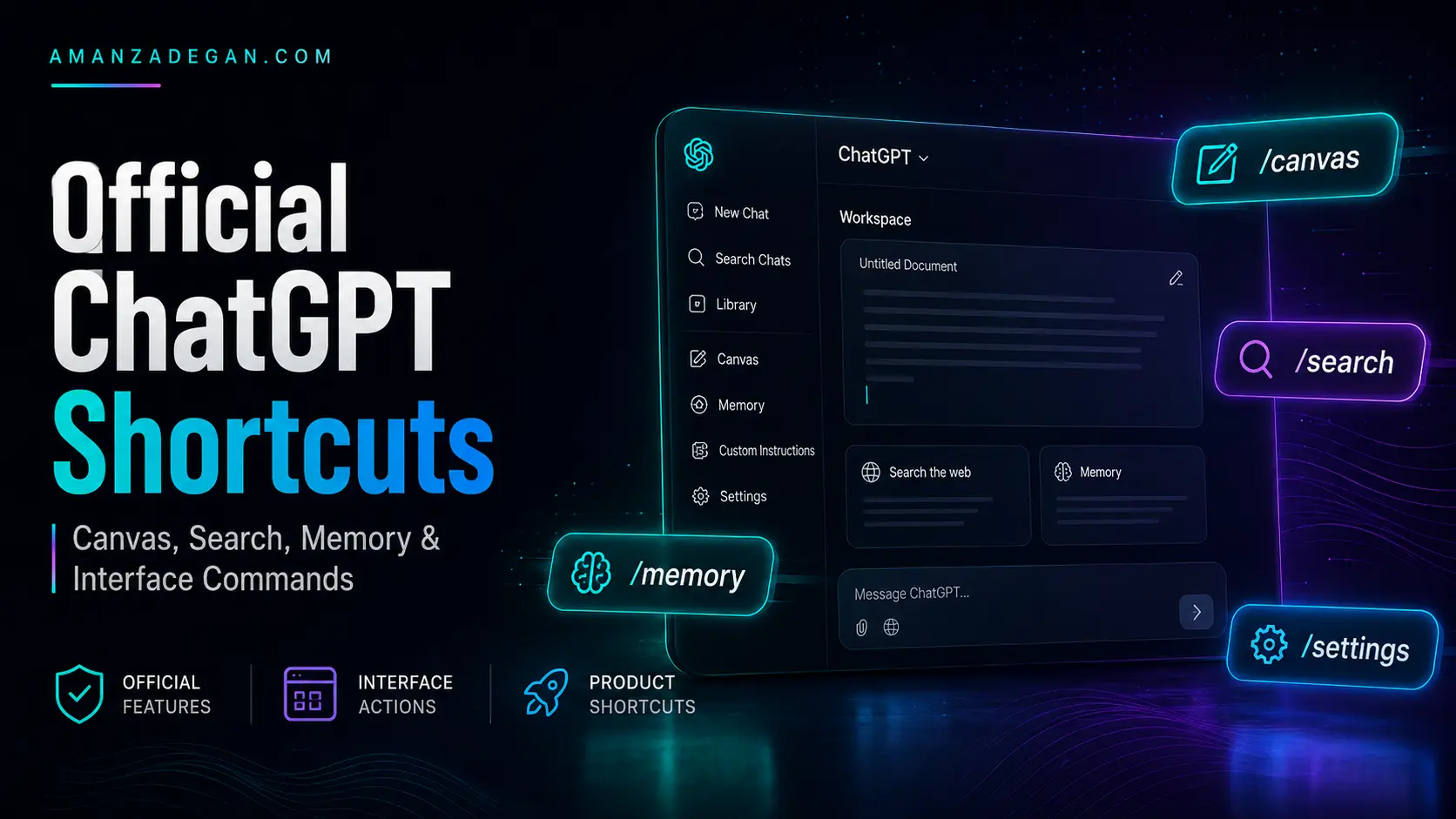

Official ChatGPT shortcuts are not the same thing as user-made prompt operators. Some shortcuts are built into ChatGPT tools or apps, while others are simply text instructions that users type. This distinction is important for accuracy, SEO, and trust.
This article focuses only on ChatGPT features and interface behaviors that should be described carefully: Canvas, Search, Memory, app-level shortcuts, and conversation-management commands. It also explains how to avoid the common mistake of calling every prompt pattern an official slash command.
Table of Contents
Quick Summary
A shortcut is official only when it is part of a documented or visible ChatGPT interface. A prompt operator, by contrast, is a user-written instruction such as /REDTEAM or /CHECKLIST. Both can be useful, but they should not be described the same way.
| Feature | Best Description | Support Level | Important Caution |
|---|---|---|---|
| Canvas | A ChatGPT workspace for writing and coding tasks | Official, but rollout/interface-dependent | Do not assume all accounts see the same UI |
| Search | A tool for web-backed answers in supported interfaces | Official, but interface-dependent | Do not claim /search always works everywhere |
| Memory | A personalization feature controlled through settings | Official, availability varies by account/workspace | Not just a slash command |
| macOS slash commands | App-level shortcuts for certain actions | Official in documented macOS release notes | Desktop app only; may change over time |
| Prompt operators | Plain-text command patterns | User-defined | Not official system commands |
What Counts as an Official ChatGPT Shortcut
A shortcut should be considered official only when it appears in the ChatGPT interface, OpenAI documentation, or OpenAI release notes. If a command is simply a word you type into the prompt, it may still work, but it is better described as a prompt operator.
This matters because inaccurate wording creates a trust problem. If you publish an article that says /REDTEAM is an official ChatGPT command, a reader may expect it to appear in the UI. If it does not, the article looks unreliable.
A more accurate sentence is:
Commands like /REDTEAM and /PITFALLS are user-defined prompt operators. They work because ChatGPT can interpret them as instructions, not because they are guaranteed built-in product commands.Canvas Shortcuts
Canvas is one of the clearest examples of a real ChatGPT workspace feature. OpenAI describes Canvas as a way to work on writing and coding projects in a separate editing space. The official documentation also states that Canvas can be triggered from the composer and, in supported contexts, by typing a backslash and using the canvas command. Source: OpenAI Canvas documentation.
What Canvas Is Best For
- Long-form blog posts and articles
- Code files and refactoring
- Technical documentation
- Landing pages and website copy
- Essays, reports, and structured drafts
- Iterative edits where you need a persistent workspace
Canvas Writing Shortcuts
| Shortcut | What It Does | Best Use |
|---|---|---|
| Suggest edits | Provides inline improvement suggestions | Improving drafts without rewriting everything |
| Adjust length | Shortens or expands text | SEO articles, executive summaries, documentation |
| Change reading level | Makes writing simpler or more advanced | Education, public content, audience adaptation |
| Add final polish | Improves clarity and flow | Pre-publication editing |
| Add emojis | Adds emoji emphasis | Social media or casual content |
Canvas Coding Shortcuts
| Shortcut | What It Does | Best Use |
|---|---|---|
| Code review | Suggests improvements | Refactoring and maintainability |
| Fix bugs | Attempts to locate and fix errors | Debugging |
| Add logs | Adds debugging output | Runtime investigation |
| Add comments | Explains code sections | Documentation and onboarding |
| Port to a language | Converts code to another language | Migration or prototyping |
ChatGPT Search Shortcuts
ChatGPT Search is a product feature that can provide web-backed answers in supported experiences. OpenAI’s help documentation describes Search as accessible through ChatGPT tools, and supported interfaces may allow users to type / and select Search. Source: OpenAI ChatGPT Search help.
The safe way to describe it is not “/search always works,” but rather:
In supported ChatGPT interfaces, users may be able to start Search from the tools menu or by typing / and selecting Search.When to Use Search
- Current product information
- News and recent changes
- Prices, laws, schedules, and release notes
- Technical documentation that may have changed
- Company, policy, or platform updates
When Not to Rely on Search Alone
Search can help with current information, but the user should still evaluate sources. For technical documentation, official sources are better than random blog posts. For legal, financial, medical, or immigration topics, Search can support research but should not replace professional advice.
Memory and Personalization Controls
ChatGPT Memory is a personalization feature, not merely a slash command. OpenAI states that Memory controls are available in Settings > Personalization > Memory, where users can enable or disable memory. Source: OpenAI Memory FAQ.
A prompt such as /memory can be used as a natural-language request, but the actual memory controls live in settings. This distinction is important when writing guides, because memory availability and behavior can depend on account type, workspace settings, and product rollout.
Memory vs Chat Context
| Concept | Meaning | Example |
|---|---|---|
| Current chat context | Information available inside the active conversation | A file or message you just pasted |
| Saved memory | Information ChatGPT may use across future conversations | Your preferred writing style |
| Custom instructions or personalization | User settings that guide response behavior | Tone, role, preferences |
| Workspace controls | Admin-level settings in business or enterprise contexts | Organization memory policies |
macOS App Slash Commands
OpenAI’s macOS app release notes have described slash commands for actions such as Search, reasoning, and image generation in the macOS app. Source: ChatGPT macOS app release notes.
This is a good example of an interface-specific shortcut. It should not be generalized as if the same commands necessarily exist in every ChatGPT environment. A web browser, mobile app, desktop app, and enterprise workspace can expose different UI capabilities.
App and Conversation Management Commands
Commands such as /new, /clear, /rename, or /delete are often discussed as app commands. Whether they work as typed slash commands depends on the interface. As prompt patterns, they can still communicate the user’s intent, but they should not be described as universally supported product commands unless the UI confirms it.
Official vs Interface-Dependent Table
| Command or Feature | Best Label | Recommended Wording |
|---|---|---|
| Canvas | Official feature | Canvas is a ChatGPT workspace for writing and coding; supported interfaces may provide a canvas shortcut. |
| Search | Official feature | Search is available through ChatGPT tools and may be selectable through slash-style UI in supported environments. |
| Memory | Official personalization feature | Memory is controlled through Settings > Personalization > Memory, not only by typed commands. |
| macOS slash commands | Official app-specific shortcut | The macOS app has documented slash commands for certain actions, but support can change. |
| /REDTEAM | User-defined prompt operator | A useful critical-thinking prompt mode, not a guaranteed built-in command. |
| /SEO_REVIEW | Custom workflow command | A reusable instruction pattern defined by the user. |
How to Write About Shortcuts Accurately
If you are writing a public article, documentation, or training guide, use careful language. Say “in supported interfaces,” “where available,” “documented by OpenAI,” or “user-defined prompt operator” when appropriate. This improves credibility and prevents readers from expecting a hidden command system that may not exist in their account.
Good wording:
Some slash-style actions are official ChatGPT interface shortcuts, while many commands in this guide are user-defined prompt operators.

Risky wording:
These are all official ChatGPT slash commands.
FAQ
Is /canvas official?
Canvas is an official ChatGPT feature, and OpenAI documentation describes ways to open it in supported contexts. Availability can depend on the interface and account.
Is /memory a real command?
Memory is a real personalization feature, but actual memory controls are managed through settings. A typed /memory request should be treated as a prompt or shortcut reference, not a universal UI command.
Are /REDTEAM and /PITFALLS official?
They are best described as user-defined prompt operators. They can work well because the model understands the instruction, but they are not guaranteed built-in product commands.
Why does this distinction matter for SEO?
Accurate terminology improves trust, reduces user frustration, and helps the article avoid misleading claims.
Final Takeaway
Official ChatGPT shortcuts are useful, but they are not the whole story. The strongest workflow combines accurate knowledge of product features with carefully designed prompt operators. Describe each type honestly, and your guide will be more reliable than a simple list of supposed hidden commands.
Product Shortcuts Can Change Over Time
One reason to be careful with official shortcut claims is that ChatGPT features evolve. A shortcut available in one app version may not appear in another. A feature available to Plus, Pro, Business, Enterprise, or Edu users may not appear the same way for every account. Regional rollout, workspace policies, model selection, and product experiments can also affect what users see.
For this reason, public guides should avoid absolute claims such as “this command always works.” A better editorial standard is to write “in supported interfaces,” “where available,” or “according to OpenAI documentation.”
How to Audit a ChatGPT Shortcut Claim
Before publishing a list of commands, use a simple verification process. This keeps the article accurate and prevents the content from becoming outdated or misleading.
| Audit Question | Why It Matters | Recommended Action |
|---|---|---|
| Is this documented by OpenAI? | Official documentation is the strongest source | Link to the exact help page or release note |
| Is it visible in the current interface? | Some features exist only in certain apps | Mark it as interface-dependent |
| Does it work only as a typed prompt? | Then it is not a product shortcut | Label it as a prompt operator |
| Could support vary by plan or workspace? | Business and Enterprise settings can differ | Mention availability may vary |
| Could this change later? | Product features evolve | Use conservative wording |
Recommended Wording for Public Articles
When writing about ChatGPT shortcuts, wording is part of technical accuracy. The safest style is transparent and specific. Readers should understand whether something is a built-in UI action or a prompting convention.
Safer Phrases
- “In supported ChatGPT interfaces…”
- “OpenAI documents this feature as…”
- “This is best understood as a prompt operator…”
- “Availability may depend on plan, app, model, workspace, and rollout…”
- “Use this as a reusable prompting convention, not as a guaranteed built-in command…”
Phrases to Avoid
- “All of these are official ChatGPT commands.”
- “This hidden command works for everyone.”
- “Use this command to force ChatGPT to…”
- “This command guarantees accurate results.”
Why This Accuracy Helps SEO
Search engines and readers both reward helpful, trustworthy content. If your article explains the nuance better than competing posts, it can satisfy search intent more completely. Users searching for ChatGPT slash commands often want a practical list, but they also need to know why some commands do not appear in their UI. Addressing that confusion makes the article more useful and more credible.
Recommended Next Reading
Continue with the related guides in this content cluster:
- ChatGPT Slash Commands: The Complete Guide to Operators, Shortcuts, and Prompt Modes
- Advanced ChatGPT Prompt Operators for Better Reasoning and Critical Thinking
- ChatGPT Commands for Developers, SEO Specialists, and Business Workflows
- How to Build a Personal ChatGPT Command Library