


AI Building Code Checking for Architects: Can Automated Permit Review Be Trusted?
Building code checking is one of the most stressful parts of architectural practice. A design can look beautiful, satisfy the client, and still fail because of stair geometry, accessibility, fire separation, exit distance, parking, occupancy, or local permit requirements. That is why AI building code checking is such an attractive idea.
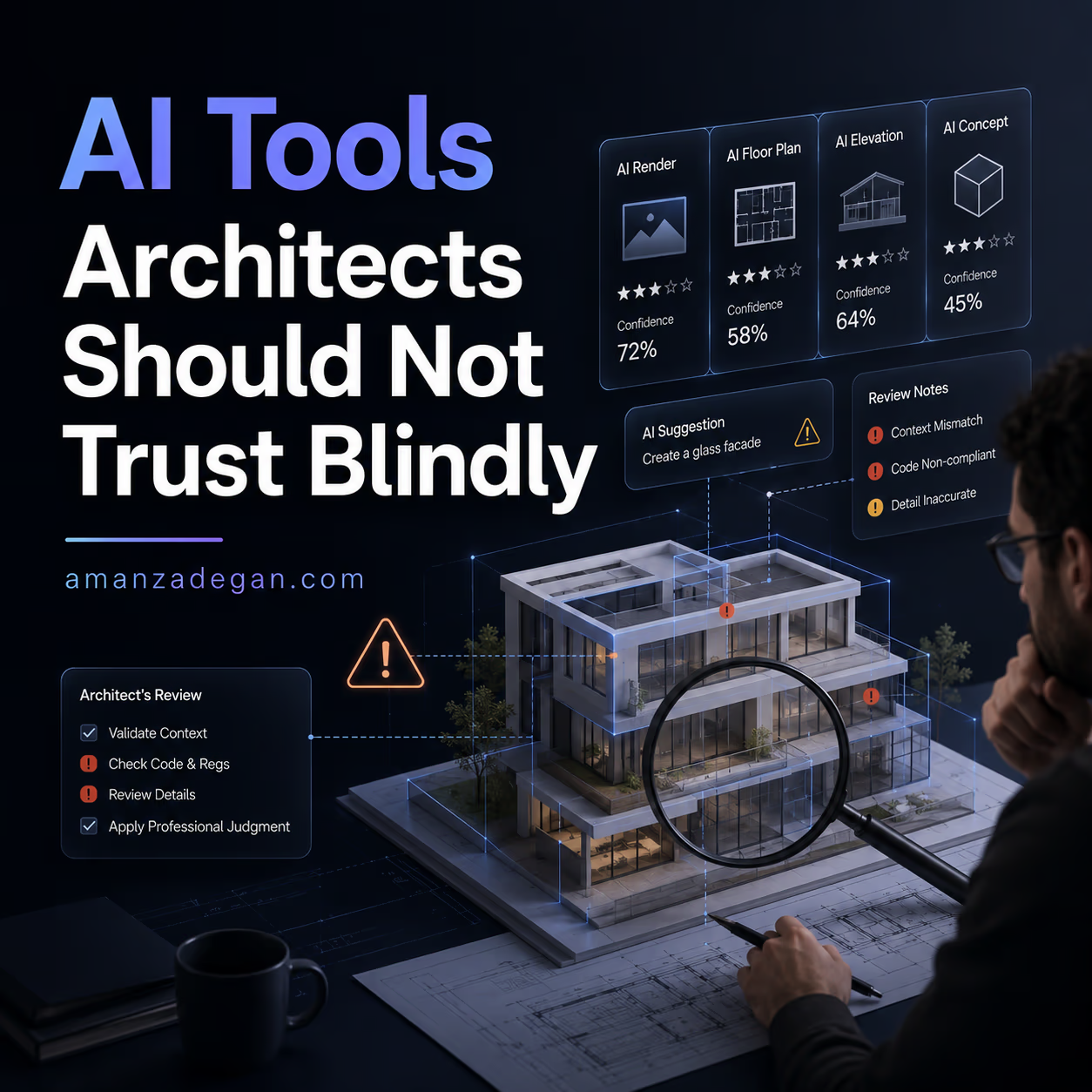
But this topic needs caution. Code checking is not the same as image generation. A wrong image may be embarrassing. A wrong code interpretation can become expensive, unsafe, or legally serious. AI can help architects check drawings, organize requirements, and catch issues earlier, but it should not be treated as a final authority.
This article explains what AI code checking can do in 2026, what it cannot do, and how architects can use it responsibly.
For related technical topics, see BIM and Digital Architecture, Researches and books, and the article on BIM and AI interoperability.
Why Code Checking Is Hard to Automate
Building codes are not simple lists. They are layered systems of definitions, exceptions, local amendments, occupancy classifications, calculation methods, referenced standards, and professional interpretation. A rule may depend on building type, floor level, fire rating, occupant load, travel distance, door swing, accessibility route, or local jurisdiction.
That makes code checking difficult for both humans and machines. AI may read text quickly, but it does not automatically understand the full legal and spatial context of a project.
Three Types of AI Code Checking
| Type | How it works | Useful for | Risk level |
|---|---|---|---|
| Code research assistant | Searches and explains code language | Finding relevant sections and summaries | Medium: may miss exceptions or local amendments |
| PDF drawing review | Reads drawings and flags possible issues | Early QA/QC, plan review, missing annotations | Medium to high: drawing understanding can be imperfect |
| BIM/rule-based checking | Checks model data against encoded rules | Structured BIM compliance workflows | Medium: model data must be accurate and rules must be encoded correctly |
Tools and Platforms to Watch
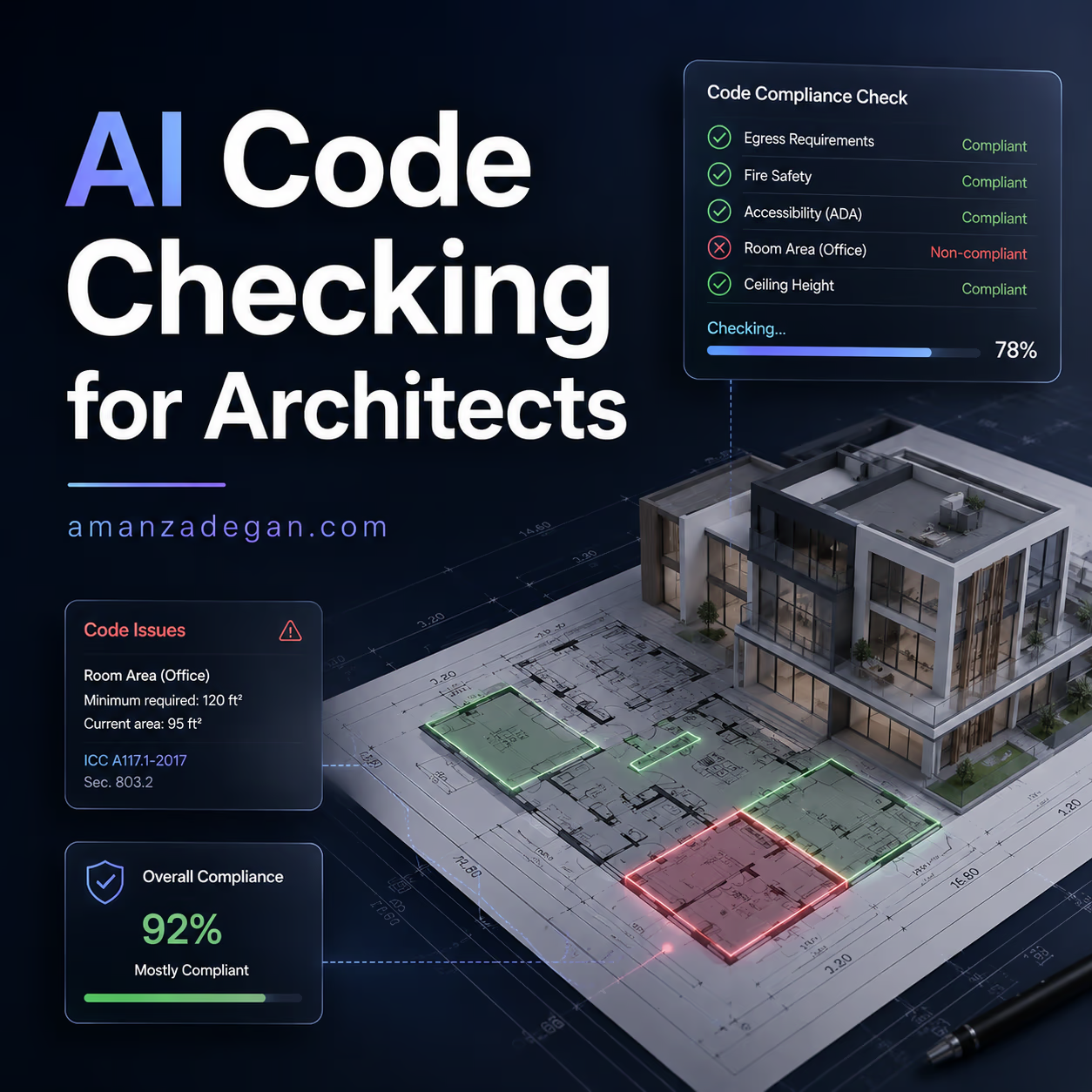
UpCodes Plan Review announced an AI-native QA/QC solution in 2026 that analyzes project drawings against locally adopted building codes. This is important because it moves AI code support beyond search and into drawing review.
Other companies also position themselves around AI compliance checking for construction drawings and BIM. Helonic describes AI drawing checks, code research, and rule-based model checking as part of the 2026 building code compliance software landscape. UptoCode presents workflows around checking drawings and BIM models with cited reports.
These tools are promising, but architects should treat them as QA assistants, not as permit authorities.
What AI Can Check Relatively Well
AI can be useful for checks that are visible, repeated, and easy to structure. Examples include:
- missing room names;
- missing dimensions;
- unclear drawing notes;
- door width issues;
- basic accessibility route questions;
- stair and ramp annotation review;
- parking count comparisons;
- fire-rated wall tags;
- egress diagram consistency;
- contradictions between sheets.
These are exactly the types of issues that often waste time in QA/QC. If AI catches them before submission, the architect benefits.
What AI Should Not Decide Alone
Some decisions need professional responsibility and sometimes direct discussion with the authority having jurisdiction. Be careful with:
- occupancy classification;
- fire strategy;
- alternative compliance paths;
- performance-based design;
- life safety interpretations;
- accessibility exceptions;
- local amendments;
- heritage or special-use conditions;
- mixed-use building logic;
- anything that affects legal liability.
AI may help prepare the question, but it should not be the final decision-maker.
PDF-Based vs BIM-Based Code Checking
There are two major directions in the market: checking drawings and checking models.
| Approach | Advantage | Weakness | Best use |
|---|---|---|---|
| PDF-based checking | Works with common deliverables and does not require perfect BIM | May struggle with scale, hidden model data, or ambiguous graphics | Late schematic design, design development, permit drawing QA |
| BIM-based checking | Can use structured object data, spaces, properties and relationships | Requires clean model data and encoded rules | Large projects, repeatable standards, model-based QA workflows |
| Hybrid checking | Combines drawings, model data, schedules and notes | More complex to implement | Professional QA systems and future permit workflows |
BIM-based checking sounds ideal, but it depends on model quality. If rooms are not named correctly, doors are not classified, fire ratings are missing, or spaces are modeled inconsistently, the AI or rule engine may produce unreliable results.
A Practical Review Log for Architects
Instead of accepting AI comments blindly, use a review log like this:
| AI finding | Drawing/model location | Human verification | Action | Status |
|---|---|---|---|---|
| Exit door may be too narrow | A-201, Level 01 corridor | Check door schedule and local egress requirement | Revise door width or confirm exception | Open |
| Accessible route unclear | Ground floor plan | Review slope, door clearance, path width | Add route diagram and dimensions | Open |
| Fire wall rating missing | Section B-B and wall type sheet | Confirm occupancy separation requirement | Add wall tag and rating note | Resolved |
| Parking count mismatch | Site plan and project data table | Compare schedule with plan count | Update table or plan | Resolved |
This is the safest way to use AI: every finding becomes a tracked issue, not an automatic truth.
How BIM and IFC Research Connects to Code Checking
Automatic compliance checking has been studied for years. One major challenge is converting natural-language regulations into machine-readable rules. The CODE-ACCORD research corpus, for example, focuses on annotated building regulatory data for automatic compliance checking. This shows why the problem is not only about AI models; it is about structured rules, reliable data, and interpretation.
Recent BIM research also shows why caution is necessary. The 2026 BIM-Edit benchmark found that LLMs still struggle with IFC-based BIM editing, especially when geometry, semantics, and topology must all remain correct. This matters because code checking depends on accurate model relationships.
Recommended Workflow
- Use AI early. Do not wait until final submission.
- Ask focused questions. “Check egress from Level 02” is better than “check the building.”
- Separate code research from drawing review. Do not mix legal interpretation and graphic checking without verification.
- Track every finding. Use a review log.
- Verify with the actual code. Especially for life safety and accessibility.
- Keep human responsibility clear. AI can assist; the architect remains accountable.
Questions to Ask Before Trusting an AI Code Tool
- Which codes and jurisdictions does it support?
- Does it use current adopted codes or generic references?
- Can it cite the exact code section?
- Can it read my drawing scale correctly?
- Does it understand local amendments?
- Does it produce a traceable report?
- Can I export issues for QA tracking?
- Does it explain uncertainty?
FAQ
Can AI check building codes automatically?
AI can assist with code checking by finding relevant rules, reviewing drawings, and flagging possible issues. It should not be treated as a final authority for legal or life-safety decisions.
Is PDF plan review better than BIM code checking?
Neither is always better. PDF review is easier to apply to common deliverables. BIM checking can be more powerful if the model data is clean and the rules are encoded correctly.
Can architects use AI code checking before permit submission?
Yes. That is one of the best use cases. AI can help catch missing notes, inconsistent drawings, and possible compliance issues before formal review.
What is the biggest risk?
The biggest risk is overconfidence. An AI tool may sound certain even when it misunderstood the drawing, the model, or the code context.
Final Position
AI code checking should be welcomed, but not blindly trusted. The best use is as an early-warning system: fast, systematic, and useful for QA. The final decision still belongs to architects, engineers, code consultants, and authorities.
Question: Would you use AI code checking more for early design decisions, or only as a final QA step before submission?
What a Responsible AI Code Review Process Looks Like
A responsible process separates three things that are often mixed together: code research, drawing detection, and professional interpretation.
- Research: use AI to find possible relevant code sections and summarize them.
- Detection: use AI or QA tools to flag possible drawing/model issues.
- Interpretation: a qualified person decides whether the issue is real and what action is needed.
Keeping these steps separate prevents a common mistake: accepting a detected issue as a final code judgment.
Example: Checking a Small Public Building
Suppose an architect is reviewing a small public building before permit submission. An AI tool flags three issues: accessible toilet clearance, stair handrail continuity, and exit travel distance.
A weak workflow would simply “fix what AI says.” A better workflow would be:
- open the exact drawing sheet;
- check dimensions and scale;
- identify the applicable code section;
- confirm the adopted local code version;
- ask whether an exception or alternative path applies;
- record the issue in a QA table;
- revise drawings only after human confirmation.
This takes more time than blindly accepting AI, but far less time than responding to a rejected permit package.
Where This Is Going
The future is likely hybrid. Code-checking systems will read PDFs, BIM models, schedules, specifications, and local regulations together. They will produce issue lists, citations, and perhaps suggested fixes. But even then, professional responsibility will not disappear. The more powerful the tool becomes, the more important the review process becomes.
For now, the best opportunity is using AI to catch obvious issues early, reduce repetitive checking, and improve the quality of internal review before drawings leave the office.
The Human-in-the-Loop Principle
For code checking, “human in the loop” is not a slogan. It is the workflow. AI can scan faster than a person, but it does not carry professional responsibility. A human must decide whether the flagged issue is real, whether the rule applies, and whether the proposed fix is appropriate for the project.
A good office process should therefore mark AI code comments as one of three statuses: confirmed issue, false positive, or requires specialist review. This keeps the team from treating every AI flag as equally important.
A Small Checklist Before Submission
Before sending drawings to a reviewer, an AI-assisted checklist can be useful if it remains specific. Instead of asking “is this project code compliant?”, ask separate questions:
- Are all rooms named and numbered consistently?
- Are door widths shown where required?
- Are accessible routes clearly dimensioned?
- Are fire-rated assemblies tagged consistently across plan, section and wall types?
- Do occupancy and area tables match the drawings?
- Are exit routes shown clearly enough for review?
- Do notes contradict schedules or legends?
These are not glamorous checks, but they are exactly the kind of repetitive issues that AI can help surface. The architect still decides what matters, but the tool can reduce the chance of missing obvious coordination problems.
References
- UpCodes AI-native Plan Review announcement
- Helonic: building code compliance software guide 2026
- UptoCode AI compliance checking guide
- CODE-ACCORD: Corpus of building regulatory data for automatic compliance checking
- BIM-Edit: Benchmarking LLMs for IFC-based BIM
- Automated Code Compliance via LLM-assisted building workflows