


AI Agents for Architects: From Chatbots to Design Workflow Intelligence
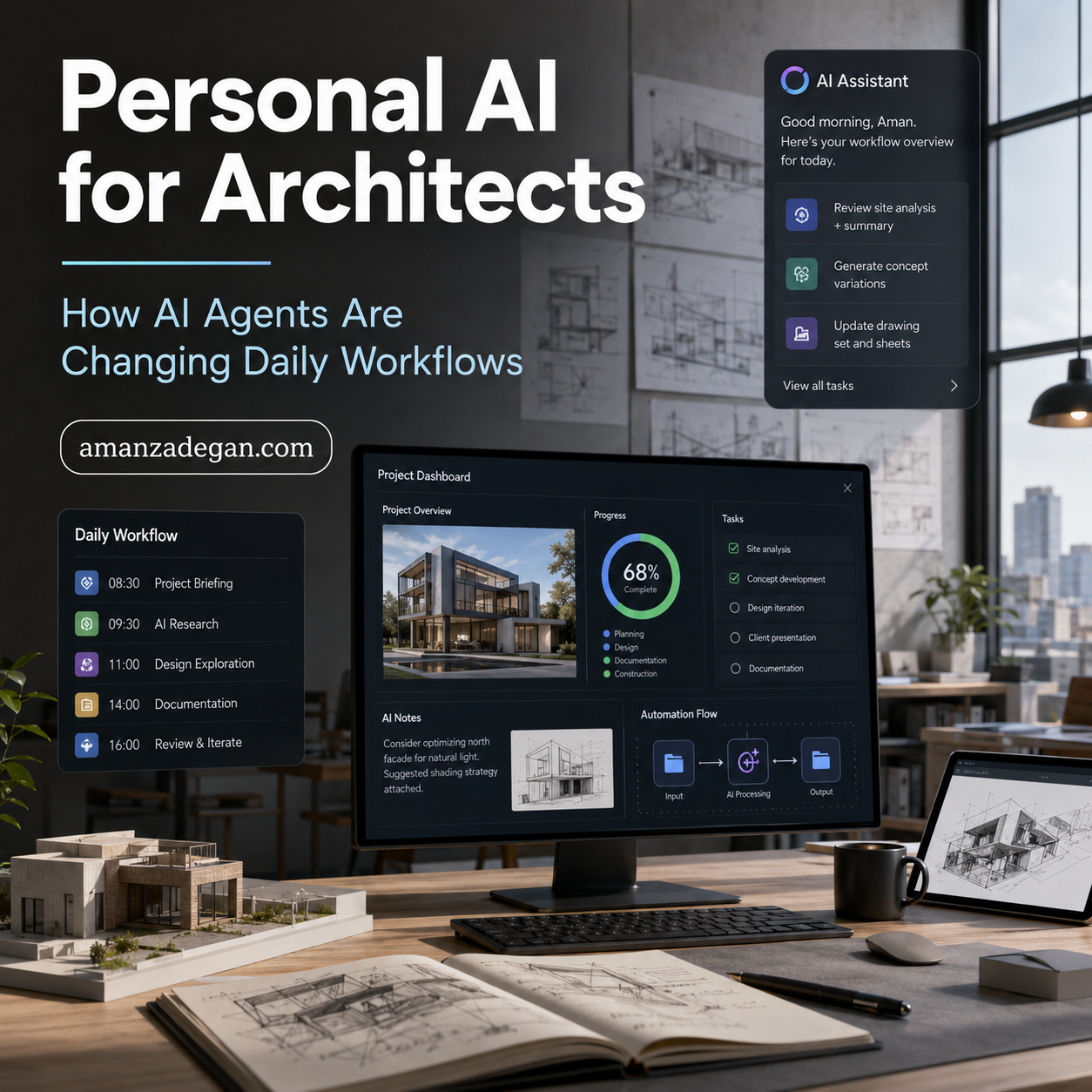
Architectural AI is entering a more practical phase. The first wave of adoption was mostly about prompts, image generation, text drafting, and quick research support. The next wave is about AI agents: systems that can plan a task, use tools, inspect files, work through intermediate steps, remember project context, and return structured outputs for human review.
This matters because architecture is rarely a single-question profession. A design task usually combines site analysis, client goals, regulation, spatial judgment, BIM data, documentation standards, sustainability criteria, budgets, consultants, and presentation logic. A chatbot can answer a question. An AI agent can help manage a workflow.
The opportunity is not to replace the architect. The opportunity is to reduce the friction around research, coordination, documentation, model checking, and repetitive decision support so the architect can spend more time on design intelligence.
Why This Topic Matters Now
AI agents are no longer only a general technology trend. In AEC, the conversation is moving toward predictive design, data-centric engineering, and AI agents that can support complex workflows across design and construction. Allplan’s 2026 AEC trend analysis identifies predictive design, data-centric workflows, and AI agents as three major directions shaping the industry.
For architecture studios, that means the question is changing. It is no longer “Should we use AI?” The better question is: “Which parts of our workflow should become agent-assisted, and how do we keep professional judgment, traceability, and design quality intact?”
The RIBA AI Report 2025 also frames AI as something that will develop and augment the architect’s role rather than simply replace it. That is a useful professional position: AI should be integrated as a disciplined support layer, not as a vague substitute for design expertise.
What Is an AI Agent in Architectural Practice?
An AI agent is a system that can take a goal and work through a set of steps to reach an output. In an architectural context, an agent might read a brief, extract requirements, compare them with a BIM schedule, identify missing data, prepare a checklist, draft a client explanation, and ask the architect for approval before any final action.
The key difference between a chatbot and an agent is continuity. A chatbot usually responds to a prompt. An agent can follow a workflow.
Example: chatbot behavior
You ask: “Write a project brief summary.” The chatbot writes a summary.
Example: agent behavior
You ask: “Review this early design package for client presentation.” The agent checks the brief, extracts requirements, reviews drawings or model exports, identifies missing diagrams, suggests talking points, prepares a presentation structure, and lists decisions that need human approval.
Where AI Agents Can Help Architects
1. Brief analysis
An AI agent can read a client brief and turn it into a structured list of requirements, risks, missing information, design priorities, and questions for the next meeting. This is especially useful at the beginning of a project when information is scattered across emails, PDFs, voice notes, sketches, and references.
2. Site and context research
Agents can collect information about climate, access, orientation, urban context, precedent types, and regulatory constraints. The architect must still verify the information, but the initial research stage can become faster and more systematic.
3. BIM model review
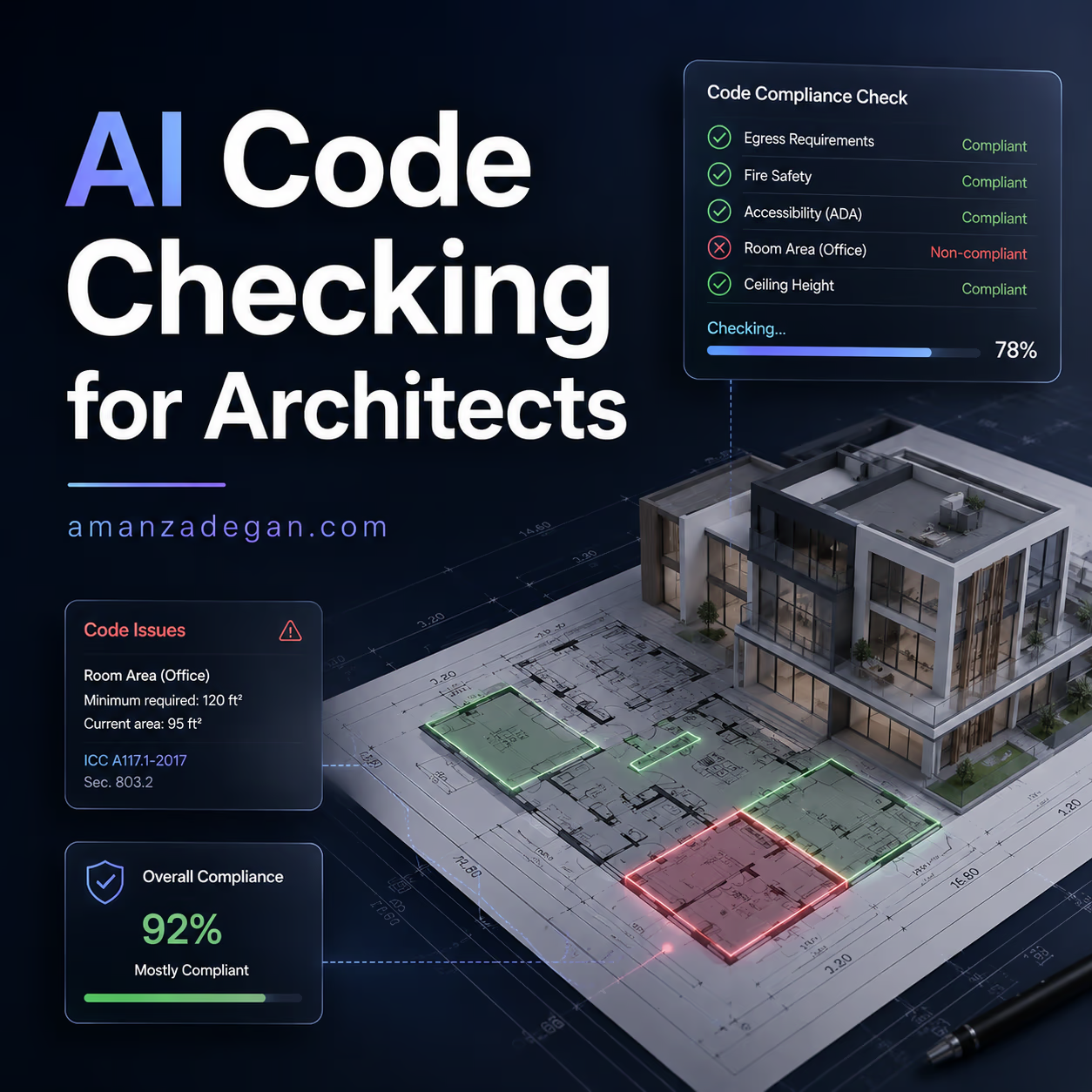
When connected to structured BIM exports, an agent can help identify missing parameters, inconsistent names, incomplete room data, unclassified elements, or information gaps before coordination becomes expensive.
4. Documentation support
Architectural documentation often contains repetitive tasks: view naming, sheet summaries, specification notes, room data review, drawing issue descriptions, and QA checklists. These are strong candidates for supervised AI-agent assistance.
5. Design option comparison
An agent can help compare concept options based on area, circulation, daylight assumptions, program fit, carbon considerations, and client priorities. The architect should define the criteria; the agent helps structure the comparison.
6. Studio knowledge management
Many studios lose knowledge across projects. Lessons learned remain in old folders, email threads, or individual memory. A well-designed internal agent can help retrieve precedent details, standard notes, checklists, and previous design decisions.
The Most Useful Agent Workflows for a Small Architecture Studio
| Workflow | Agent output | Human decision required |
|---|---|---|
| Client brief review | Requirements matrix, missing questions, risk list | Confirm priorities and project interpretation |
| Early design comparison | Option table, trade-off summary, diagram suggestions | Select the direction and defend the design logic |
| BIM QA | Missing data report, naming inconsistencies, parameter issues | Approve model corrections and responsibility |
| Presentation preparation | Slide structure, narrative, visual checklist | Control tone, emphasis, and design argument |
| Research support | Sources, summaries, precedent comparison | Verify credibility and adapt to the project |
| Internal knowledge base | Reusable standards, lessons learned, project memory | Decide what becomes studio standard |
What Architects Should Not Delegate to AI Agents
AI agents can be useful, but they should not be given uncontrolled authority over high-risk architectural decisions. The following areas need strong human control:
- Final design authorship and spatial judgment.
- Legal interpretation of building codes.
- Structural, fire, accessibility, and safety decisions.
- Client commitments, fees, contracts, and scope changes.
- Any automated change to a production BIM model without review.
- Confidential project data sent to external platforms without permission.
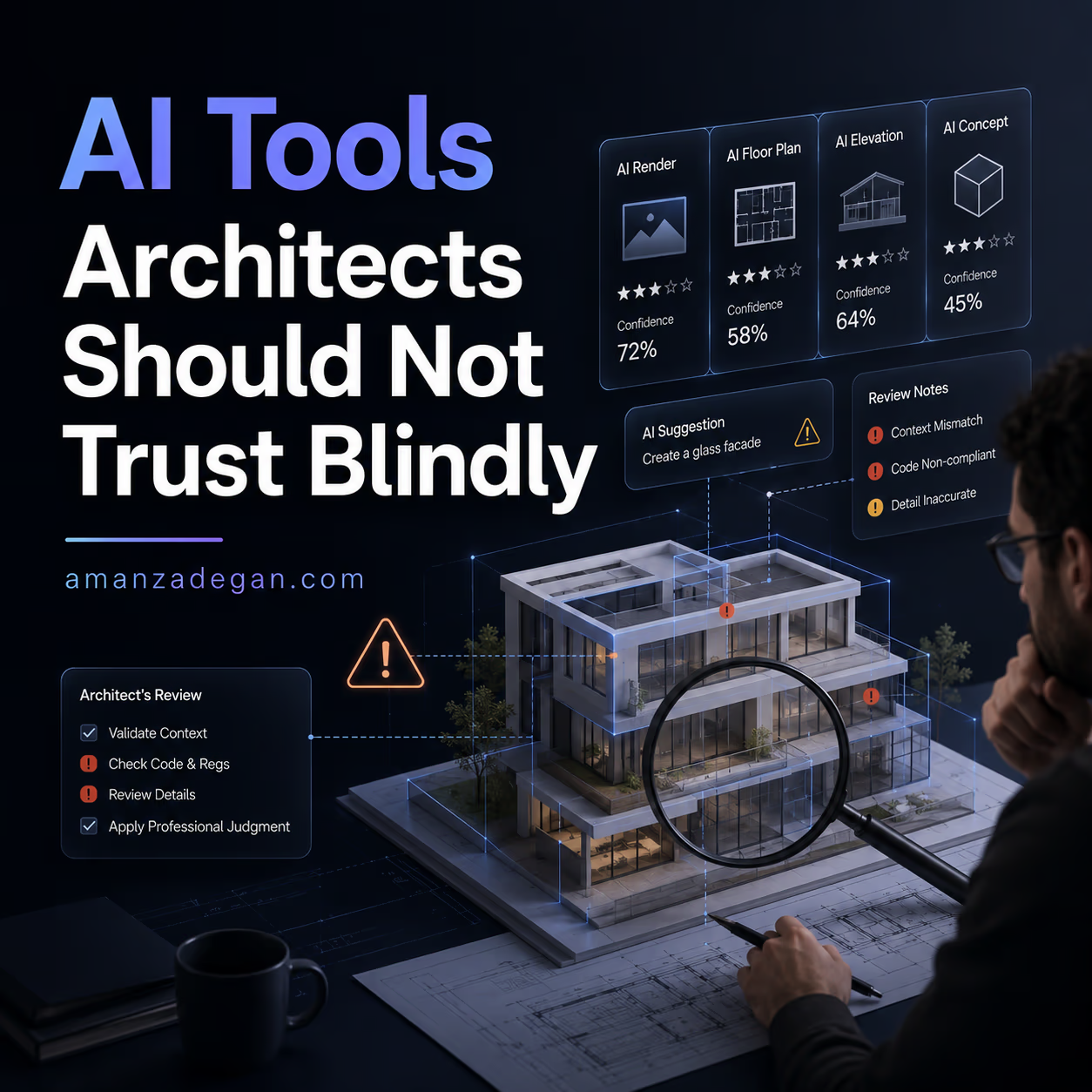
The professional problem is not whether AI can produce an answer. The problem is whether the answer is traceable, verified, and appropriate for the project context.
Building an Agent-Ready Architecture Workflow
A studio cannot simply add an AI agent and expect reliable results. Agentic systems need clean inputs, structured files, clear naming, permission boundaries, and review protocols. Otherwise, AI will only accelerate confusion.
Step 1: Define repeatable workflows
Start with tasks that happen repeatedly: brief extraction, meeting summary, drawing review checklist, BIM data audit, project research, and presentation preparation.
Step 2: Create structured project inputs
Agents perform better when project information is organized. Use consistent folders, file names, drawing issue notes, model export names, and project status logs.
Step 3: Separate draft outputs from approved outputs
Everything produced by an AI agent should be treated as a draft until reviewed. This is not a weakness; it is a governance model.
Step 4: Create a review checklist
Before using an AI-generated output, ask: What data did it use? What assumptions did it make? What is missing? Who reviewed it? Can the result be explained to a client or consultant?
Step 5: Keep a human-in-the-loop architecture
For professional work, the strongest model is not full automation. It is supervised acceleration.
A 90-Day Adoption Roadmap
Days 1–30: Map the workflow
Choose three repetitive workflows and document the current process. For example: client brief review, concept presentation, and BIM QA checklist. Identify where time is lost and where errors happen.
Days 31–60: Build reusable templates
Create prompt templates, structured briefing forms, model review checklists, and output formats. This helps AI produce consistent results instead of random text.
Days 61–90: Pilot with supervision
Use the agent workflow on one real project, but keep all outputs in draft mode. Track time saved, errors caught, review effort, and whether the output improved communication.
How This Connects to BIM and Digital Design
AI agents become much more valuable when they are connected to BIM data, structured documents, and design systems. A generic agent can write general advice. A project-aware agent can review room data, compare options, inspect model exports, and help organize design decisions.
This is why BIM quality matters. Poor data creates poor automation. A future-ready practice should treat its BIM model, folders, naming conventions, and project records as part of its AI infrastructure.
Common Mistakes
Using AI before defining the workflow
If the workflow is unclear, the agent will only create faster disorder.
Trusting fluent text too quickly
AI outputs often sound confident. Confidence is not evidence. Every claim must be checked.
Ignoring privacy
Client documents, drawings, models, and contracts may be confidential. Studios need a data policy before adopting AI tools.
Trying to automate design taste
AI can help explore options, but the architect must define the design position.
Practical Checklist Before Publishing an AI-Agent Workflow
- Is the task repeatable?
- Are inputs structured and available?
- Does the agent produce a reviewable output?
- Is there a human approval point?
- Can assumptions be traced?
- Is sensitive data protected?
- Does the workflow improve quality, not only speed?
Internal Reading Path
Readers interested in this topic should also explore the site’s existing work on BIM and AI interoperability, the AI Articles archive, and the Portfolio section to see how digital design thinking connects to practice.
Conclusion
AI agents are not a magic replacement for architectural expertise. They are a new workflow layer. Used responsibly, they can help architects research faster, organize complex information, review BIM data, prepare clearer presentations, and make better-supported decisions.
The strongest future position for architects is not passive automation. It is intelligent orchestration: knowing what to delegate, what to verify, what to protect, and where human judgment must remain central.
FAQ
What are AI agents for architects?
They are AI systems that can support multi-step architectural workflows such as research, BIM review, documentation, presentation preparation, and project knowledge management under human supervision.
Can AI agents design buildings independently?
They can generate and compare options, but final design responsibility, spatial judgment, and professional accountability remain with architects.
What is the first workflow a studio should automate?
Start with low-risk, repetitive workflows such as brief analysis, meeting summaries, presentation outlines, or BIM data checklists.
Are AI agents safe for client projects?
They can be used safely only when data privacy, review protocols, and human approval are clearly defined.
Discussion
If you already use AI in architectural work, where does it save the most time: research, concept design, BIM, documentation, or client communication? Share your experience in the comments.
References
- Allplan. “AI Trends in AEC for 2026: From Predictive Design to Autonomous Construction.” https://www.allplan.com/blog/from-ai-design-to-autonomous-construction-how-predictive-data-centric-workflows-and-ai-agents-are-reshaping-aec/
- RIBA. “Artificial Intelligence Report 2025.” https://www.riba.org/work/insights-and-resources/ai-report/riba-ai-report-2025/
- Google Cloud. “AI business trends report 2026.” https://blog.google/innovation-and-ai/infrastructure-and-cloud/google-cloud/ai-business-trends-report-2026/