


AI Tools Architects Should Not Trust Blindly: A Practical Risk Guide
AI tools can make architects faster. They can generate images, summarize papers, suggest layouts, write scripts, prepare reports, and help explain ideas. But speed creates a new problem: the output often looks more confident than it deserves.
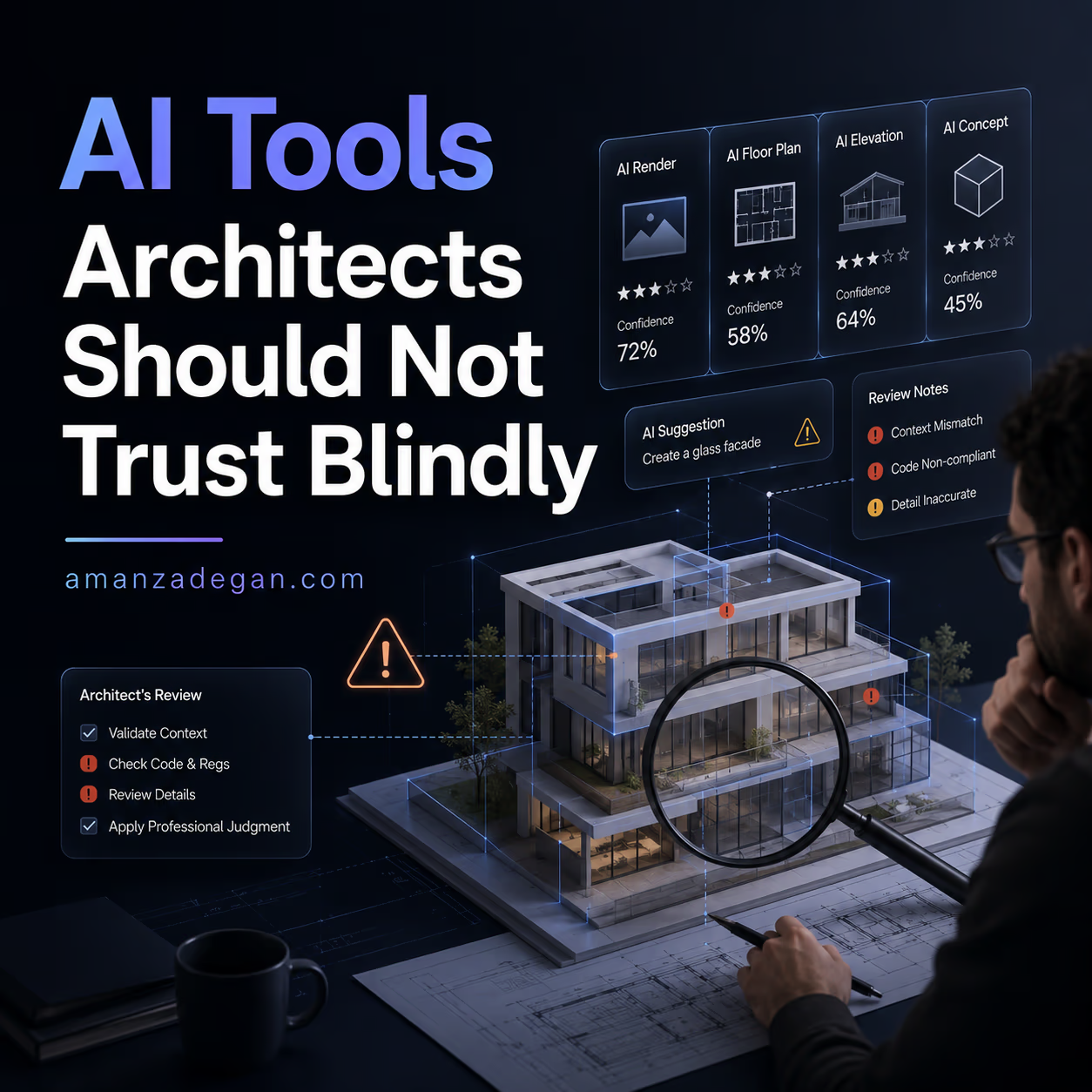
This is the main risk. AI rarely says, “I am not sure.” It gives you something polished. A polished mistake is still a mistake. In architecture, that mistake may become a misleading image, a weak plan, a wrong code assumption, or a citation that does not support the argument.
This article is not anti-AI. I use AI and believe architects should learn it. But I also believe the best architects will not be the ones who trust AI the most. They will be the ones who know how to challenge it.
For more AI-related posts, visit AI Articles and AI Tools.
The Simple Rule
Use AI for acceleration. Do not use it as authority.
That one sentence can prevent most problems. AI can help you move faster through options, drafts, summaries, and variations. But when the output affects design decisions, client trust, code compliance, construction, academic claims, or professional responsibility, it needs verification.
Seven AI Outputs Architects Should Check Carefully
| AI output | Why it looks convincing | What can go wrong | How to verify |
|---|---|---|---|
| Floor plans | Rooms and walls look organized | Bad circulation, code issues, impossible dimensions | Check area, adjacency, access, structure, and local rules |
| Renders | Atmosphere looks professional | AI changes design, materials, scale, or facade details | Compare against model and drawings |
| Research summaries | Language sounds academic | Misread method, invented emphasis, weak sources | Read the original paper |
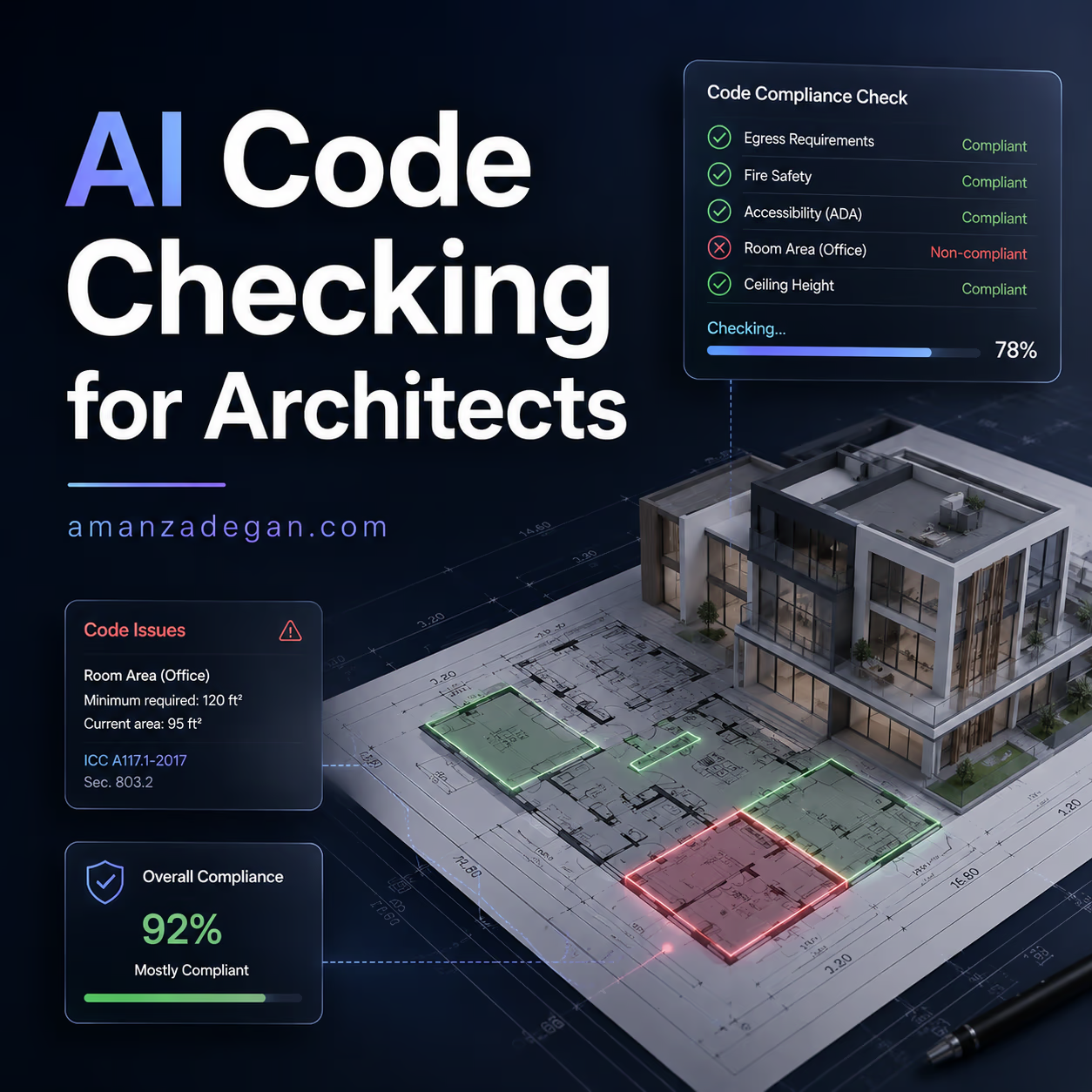
| Code checking | References sound technical | Wrong jurisdiction, missed exceptions, false compliance | Verify with actual code and consultant |
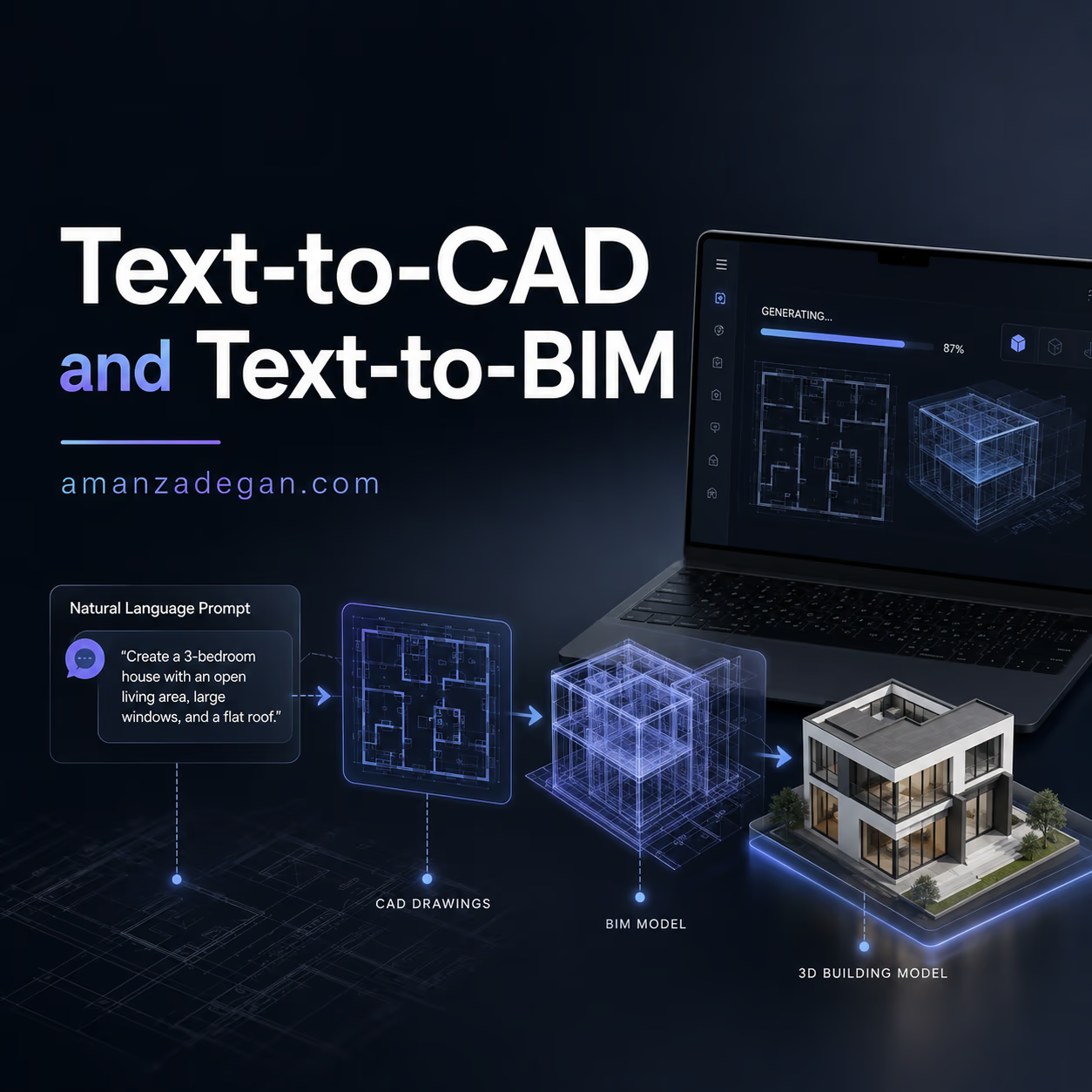
| BIM edits | Model changes appear successful | Broken relationships, wrong properties, schedule errors | Run model QA and inspect affected elements |
| Cost or quantity estimates | Numbers create confidence | Missing assumptions, wrong units, incomplete scope | Check quantities and pricing method |
| Client-ready text | Sounds polished and persuasive | Overpromises or hides uncertainty | Rewrite in your own professional voice |
Why Architects Are Right to Be Cautious
The architecture industry is adopting AI quickly, but not without hesitation. A 2026 survey discussed by Chaos and Architizer found that many architects are experimenting with AI, yet reliability, control, and workflow integration remain major concerns. This matches what many designers feel in practice: AI is useful, but still unstable.
The issue is not that AI is useless. The issue is that AI is uneven. It may be excellent for mood exploration and poor for dimensional accuracy. It may summarize a paper well but miss a limitation. It may find a code section but ignore an exception.
Where AI Fails Quietly
The most dangerous AI failures are not dramatic. They are quiet. The drawing looks fine. The summary reads well. The render feels convincing. The code answer sounds reasonable. Only later do you discover that something important was wrong.
Quiet failures are dangerous because they pass through busy workflows. When a deadline is close, people accept outputs that look finished. That is exactly when verification matters most.
Example 1: The Beautiful but Misleading Render
An AI rendering tool takes a rough building model and creates a beautiful image. The facade looks richer, the landscape looks complete, and the lighting is perfect. The client loves it.
Then the team notices the AI changed the window proportions, added a balcony that does not exist, and made the entrance twice as wide as the actual plan allows.
The problem is not the image. The problem is that the image quietly changed the design.
How to prevent it
- Label early AI visuals as concept mood images.
- Compare the AI image with the model before sharing.
- Do not let AI invent important facade or structural elements.
- Use model-based tools when geometry must stay accurate.
Example 2: The Plan That Looks Logical but Does Not Work
An AI floor plan generator creates a compact apartment layout. At first glance, it looks clean. Rooms are labeled, furniture is placed, and circulation seems short.
But after checking, the bathroom door opens badly, the kitchen has weak ventilation, one bedroom has poor daylight, the corridor is too narrow, and the structure has no clear logic.
This is why AI floor plans should be treated as sketches, not final layouts.
How to prevent it
- Check every generated plan with a design matrix.
- Review daylight, privacy, access, wet zones, structure, and code.
- Generate multiple options, then reject most of them.
- Move into CAD/BIM only after the layout logic is clear.
Example 3: The Academic Summary That Misses the Point
An AI research tool summarizes a paper about BIM and AI. The summary says the paper proves that AI improves design efficiency. But the actual paper may have a small sample, a narrow case study, or a more cautious conclusion.
This is common. AI often compresses nuance. In academic work, nuance is not decoration. It is the difference between a valid argument and a weak one.
How to prevent it
- Read the abstract, method, results, and limitations yourself.
- Use AI summaries only as orientation.
- Never cite a paper you have not opened.
- Check whether later papers support or challenge the claim.
Example 4: The Code Answer That Sounds Official
An AI assistant gives a confident answer about stair width, occupancy, accessibility, or travel distance. It may even cite a section. But if the jurisdiction is wrong, the building type is misunderstood, or an exception applies, the answer may be dangerous.
Code-related AI should be treated as a research assistant, not as an authority.
How to prevent it
- Ask AI for the possible code sections, not the final decision.
- Check the current adopted code manually.
- Confirm local amendments.
- Consult specialists for life-safety issues.
- Keep a decision log.
The Red-Team Habit for Architects
The best way to use AI is to build a red-team habit. After AI gives an answer, do not ask “is this good?” Ask:
- What could be wrong here?
- What assumption did the AI make?
- What information is missing?
- What would a code reviewer question?
- What would a contractor find unrealistic?
- What would the client misunderstand?
- What needs to be verified before sharing?
This changes AI from a fake expert into a useful assistant.
A Verification Checklist
| Before using AI output for… | Check this first |
|---|---|
| Client presentation | Does it match the actual design and scope? |
| Academic writing | Are the sources real, relevant, and correctly interpreted? |
| Floor plan design | Do circulation, dimensions, daylight, and program work? |
| Code discussion | Is the jurisdiction and adopted code correct? |
| BIM automation | Did the model remain semantically and geometrically consistent? |
| Cost discussion | Are quantities, units, assumptions, and exclusions clear? |
| Marketing content | Does it sound like your real professional voice? |
What AI Is Actually Good For
After all these warnings, it is worth saying clearly: AI is still very useful. It is good for:
- creating first drafts;
- exploring options;
- summarizing notes;
- generating mood directions;
- checking for missing information;
- turning messy thoughts into structure;
- speeding up repetitive tasks;
- creating comparison tables;
- helping non-native writers explain ideas more clearly.
The goal is not to avoid AI. The goal is to put it in the right position.
FAQ
Should architects avoid AI tools?
No. Architects should learn AI tools, but use them with verification. Avoiding AI entirely may reduce competitiveness, but trusting it blindly creates professional risk.
What is the biggest risk of AI in architecture?
The biggest risk is not bad output. It is believable bad output. AI often produces polished results that hide uncertainty, missing data, or wrong assumptions.
Can AI-generated renders mislead clients?
Yes. If the AI changes design elements, materials, context, or scale, the render may promise something the project does not actually include.
How can architects use AI safely?
Use AI for exploration and assistance, keep humans in control of decisions, verify important outputs, and document assumptions.
Final Thought
AI should be treated like an eager junior assistant: fast, helpful, creative, and sometimes completely wrong. Give it work. But check the work before it leaves the studio.
Question: Which AI output do you trust least in architecture: floor plans, renders, research summaries, or code answers?
A Simple Studio Policy for AI Use
Every studio using AI should have a small internal policy. It does not need to be bureaucratic. It should simply define when AI is allowed, when review is required, and what must never be submitted without human checking.
| Use case | Allowed? | Required check |
|---|---|---|
| Mood images and inspiration | Yes | Label as concept/reference |
| Client presentation renders | Yes, with review | Compare with actual model and scope |
| Floor plan options | Yes | Architectural review of dimensions, circulation and code |
| Academic references | Only with verification | Open and read every cited source |
| Code compliance answers | Support only | Verify with official code and qualified person |
| Production BIM edits | Only in controlled workflows | Test on copy, run QA, document changes |
The Best Mental Model
I like to think of AI as a fast assistant with no professional license. It can help, but it cannot be responsible. It can suggest, but it cannot sign. It can draft, but it cannot replace judgment.
This mental model keeps the workflow healthy. You can still benefit from speed, but you do not hand over responsibility to a system that does not understand consequences.
What to Teach Junior Designers
Junior designers should not only learn prompts. They should learn verification habits. Ask them to bring AI outputs with three notes:
- What did AI help with?
- What did they check manually?
- What remains uncertain?
This turns AI use into a learning process instead of a shortcut.
When AI Should Stay Internal
Some AI outputs are useful inside the studio but should not be shown outside. A rough generated floor plan may help the design team think. A speculative render may help explore mood. A code summary may help prepare questions. But none of these should be presented as final evidence before verification.
This internal/external distinction is practical. It allows experimentation without misleading clients, reviewers, students, or collaborators.