



Text-to-CAD and Text-to-BIM in Architecture: What Is Real in 2026?
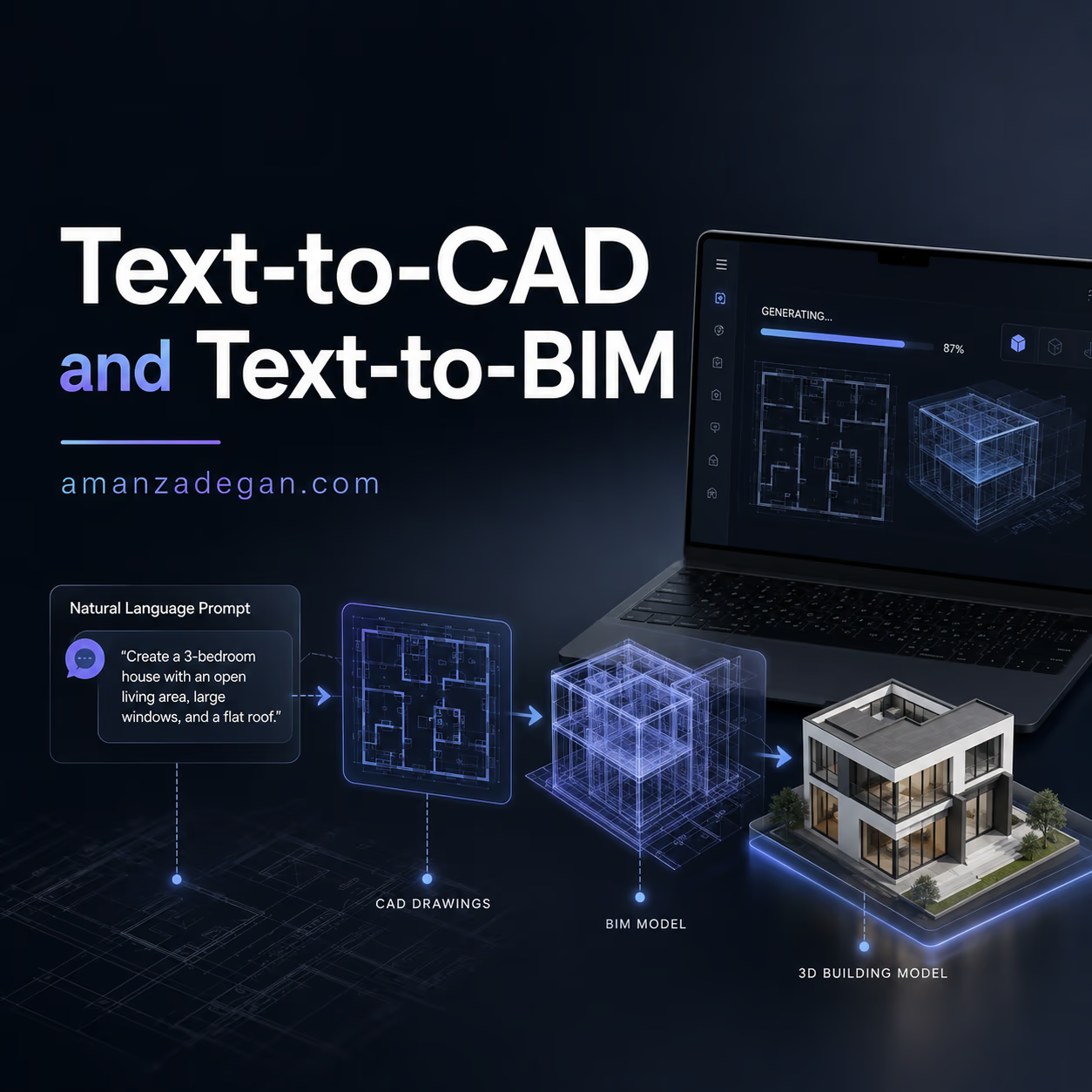
Text-to-CAD and Text-to-BIM sound like the dream of architectural automation: describe a building in words and receive a usable model. “Create a two-bedroom apartment with an open kitchen, compact corridor, and balcony facing south.” Then the software generates walls, rooms, doors, objects, schedules, and maybe even a Revit or IFC model.
That future is closer than it used to be, but it is not fully here. In 2026, AI can generate simple CAD-like objects, assist with scripts, edit parts of BIM data, and help create structured design instructions. But professional architecture needs more than geometry. It needs semantic meaning, constraints, code logic, coordination, materials, construction, and responsibility.
This article explains what Text-to-CAD and Text-to-BIM can realistically do now, why current research is exciting, and where architects should remain cautious.
For related reading, see BIM and Digital Architecture, the BIM and AI systematic review, and the AI Tools category.
First, What Do These Terms Mean?
| Term | Simple meaning | Architectural example |
|---|---|---|
| Text-to-CAD | Generating CAD geometry from natural language | “Create a rectangular table with four legs and rounded corners” |
| Text-to-BIM | Creating or editing building information models from natural language | “Add a 200 mm fire-rated wall between the corridor and storage room” |
| Text-to-layout | Generating spatial arrangements from text requirements | “Place bedrooms away from the entrance and connect kitchen to dining” |
| Natural-language BIM querying | Asking questions about a BIM model in normal language | “What is the total floor area of Level 02?” |
| AI-assisted scripting | Using AI to write Dynamo, Python, Grasshopper, or IFC scripts | “Color all walls by fire rating and export a schedule” |
These are related, but they are not the same. Text-to-CAD may create geometry. Text-to-BIM must understand building meaning. That difference is huge.
Why Text-to-BIM Is Harder Than Text-to-CAD
A CAD line can be just a line. A BIM wall is not just geometry. It has type, material, height, location, relation to levels, connection to rooms, fire rating, phase, cost data, and coordination meaning. If an AI model changes the wall but breaks its relationship to rooms, doors, schedules, or floors, the model becomes unreliable.
This is why BIM automation is difficult. It is not enough for AI to “draw something that looks right.” It must preserve:
- geometry;
- semantic categories;
- topological relationships;
- levels and constraints;
- object properties;
- model consistency;
- documentation consequences.
What 2026 Research Tells Us
Recent research is useful because it cuts through marketing hype. The CADTests paper argues that Text-to-CAD evaluation is still a major challenge and introduces a test-based benchmark that checks whether generated CAD models satisfy geometric and topological requirements.
Text2CAD-Bench also shows that current models perform better on basic geometry but struggle as complexity increases. This is important for architecture because buildings are not simple mechanical primitives.
Even more relevant to architecture, BIM-Edit evaluates LLMs on IFC-based BIM editing. The benchmark includes tasks across realistic and synthetic BIM models and evaluates geometric accuracy, semantic validity, and topological consistency. The paper reports that even the best model in the evaluation reached only a limited average score and no model fully solved more than a small fraction of tasks. That is a strong reminder: natural language BIM editing is promising, but not mature enough for unchecked professional use.
What Text-to-CAD Can Do Well
Text-to-CAD is most promising when the object is bounded, rule-based, and easy to validate. For example:
- simple furniture components;
- mechanical parts;
- basic parametric objects;
- small details with clear dimensions;
- diagrammatic massing;
- script-generated geometry.
In architecture, this could help with small repeatable elements, early massing studies, or computational design scripts. But it is less reliable for complete buildings with complex human, legal, and construction requirements.
What Text-to-BIM Can Do Today
Text-to-BIM is better understood as a set of smaller workflows rather than one magic command. Useful examples include:
- querying model data in plain language;
- generating scripts for repetitive tasks;
- creating schedules or summaries;
- renaming rooms or checking missing data;
- color-coding elements by properties;
- extracting quantities from IFC;
- drafting BIM execution notes;
- assisting Dynamo or Python scripts.
These tasks are valuable because they reduce friction. They do not require the AI to fully design a building alone.
A Practical Architect-Friendly Workflow
If I wanted to use text-based AI in a BIM workflow today, I would keep the workflow controlled:
- Use natural language to describe the task. For example: “Find all rooms without area values.”
- Ask AI to generate a script or query.
- Run it on a copy of the model.
- Check the result manually.
- Apply changes only after review.
- Document what was changed.
This avoids the biggest risk: letting AI edit the only working model without inspection.
Examples of Useful Prompts
| Task | Better prompt | Why it works |
|---|---|---|
| Room checking | “List rooms with missing names, missing areas, or duplicate numbers.” | Clear, measurable, easy to verify |
| IFC query | “Calculate total wall area by type and level from this IFC model.” | Data extraction rather than uncontrolled editing |
| Model cleanup | “Create a script to color elements by category for QA review.” | Low-risk visualization support |
| Layout generation | “Generate three adjacency options for a two-bedroom apartment with compact circulation.” | Conceptual, useful for early design |
| Documentation | “Draft a BIM issue report from these model-checking notes.” | Language support, not design authority |
Where Architects Should Be Careful
Be especially careful when AI proposes to:
- delete or move model elements automatically;
- change room boundaries;
- modify levels or grids;
- edit fire-rated elements;
- generate permit-ready drawings;
- create structural or MEP coordination decisions;
- interpret code without citations;
- change IFC relationships without validation.
These tasks may become more reliable in the future, but today they need professional review.
Text-to-BIM vs BIM Querying
One of the most useful near-term directions is not full Text-to-BIM generation. It is natural-language BIM querying. Asking questions about a model is safer than letting AI change it.
Examples:
- “Which doors are narrower than 900 mm?”
- “Which rooms are missing finish information?”
- “What is the total glazing area on the south facade?”
- “Which elements do not have classification codes?”
- “Which spaces have no assigned department?”
This turns AI into a model assistant rather than an uncontrolled model author.
What This Means for Architectural Education
Students should learn these tools, but not as shortcuts. Text-to-CAD and Text-to-BIM can help students understand how instructions become geometry and data. But if students skip spatial reasoning, code understanding, and drawing discipline, the tool becomes harmful.
A good educational exercise would be:
- Write a spatial brief.
- Ask AI for a layout or script.
- Critique the output manually.
- Correct it in CAD/BIM.
- Explain what the AI misunderstood.
The learning is in the critique.
FAQ
Is Text-to-CAD ready for professional architecture?
It is useful for simple objects, scripts, early studies, and constrained tasks. It is not yet reliable enough to generate complete architectural documentation without review.
Is Text-to-BIM different from Text-to-CAD?
Yes. Text-to-BIM is harder because BIM contains semantic and relational data, not just geometry. A wall must remain a wall with correct properties, relationships, and documentation meaning.
Can AI edit IFC models?
AI can help write scripts or perform controlled tasks, but recent benchmarks show that LLMs still struggle with geometric, semantic, and topological consistency in IFC-based BIM editing.
What is the safest use of Text-to-BIM today?
Natural-language querying, model checking, script assistance, schedule generation, and controlled QA tasks are safer than letting AI freely modify the model.
Final View
Text-to-CAD and Text-to-BIM are real trends, but the professional future will not be one prompt that replaces the architect. The more realistic future is a set of controlled assistants: one for querying, one for checking, one for scripting, one for layout exploration, and one for documentation support.
Question: Would you prefer AI to generate new BIM elements, or would you first trust it only to check and explain the existing model?
What This Means for Revit, Dynamo and Grasshopper Users
For many architects, the near-term value of Text-to-BIM is not a magic “make my building” button. It is AI-assisted scripting. A designer who does not write Python every day can describe a task and receive a first version of a Dynamo script, Rhino/Grasshopper logic, Revit API snippet, or IFC processing script.
This can be very useful for repetitive work:
- renaming rooms based on a standard;
- checking missing parameters;
- exporting schedules;
- coloring elements by type;
- finding duplicate room numbers;
- creating sheets or views;
- extracting quantities from IFC;
- cleaning model data before coordination.
But the script still needs testing. A generated script can run successfully and still do the wrong thing. Always test it on a copy of the model first.
A Safe Text-to-BIM Experiment for a Studio
If a studio wants to test Text-to-BIM without risking live projects, start with a controlled experiment:
- Choose one old or sample model.
- Define five simple tasks, such as checking rooms or coloring walls.
- Ask AI to generate scripts or instructions for each task.
- Run the results only on a copy.
- Record what worked, what failed, and what needed manual correction.
- Create an internal library of verified prompts and scripts.
This is much better than letting everyone randomly ask AI to edit production models. The studio learns what is reliable in its own workflow.
Why Evaluation Matters
CAD and BIM are not judged only by appearance. They are judged by whether the geometry is valid, whether the data is correct, whether the objects mean what they should mean, and whether downstream documentation still works. This is why the recent benchmark work matters. It gives the industry a more serious way to test AI-generated models.
In architecture, the question should not be “did the AI generate something?” It should be “did it generate something that can survive professional use?”
What Architects Should Learn Now
Architects do not need to become full-time AI researchers to benefit from this shift. But they should understand enough to ask better questions and judge outputs.
- Learn the difference between geometry and BIM data.
- Understand IFC at a basic level.
- Learn how parameters, rooms, levels, and schedules are connected.
- Practice simple Dynamo, Grasshopper, or Python automation.
- Keep a habit of testing AI outputs on sample models.
- Document successful prompts and scripts for reuse.
The architects who gain the most from Text-to-BIM will not be the ones who type the longest prompts. They will be the ones who understand how models are structured.